EtherPK - An Introduction
I've made a short video of EtherPK, the markdown notes app I've been building. It goes through the app in two and a half minutes.
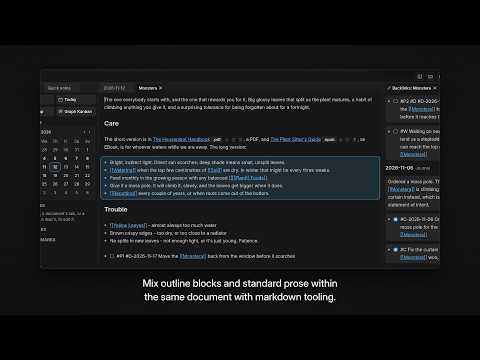
The app in the video is the real one, running on a small set of notes about houseplants. If you'd rather read than watch, here's what's in it, in order.
A journal entry for every day
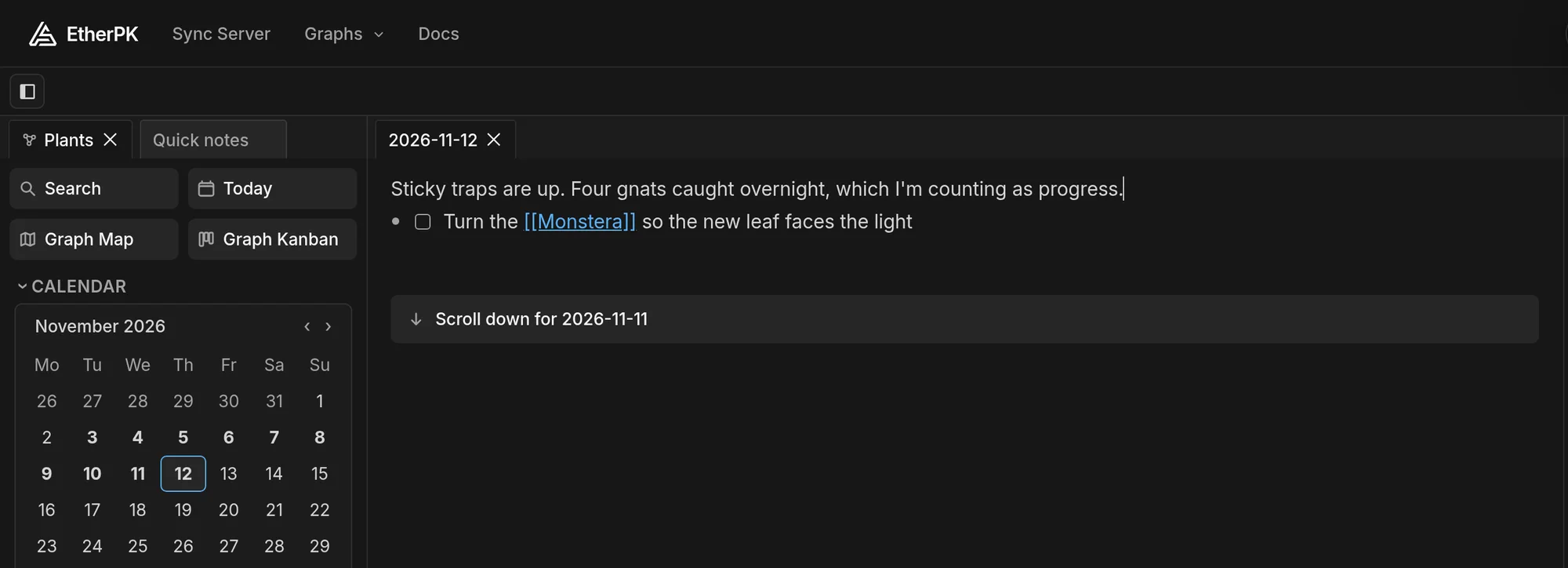
Notes in EtherPK are plain markdown. A set of them is called a graph, and the one in the video is called Plants. Every day has a journal entry, which is where I write most things first. In the video I type a line into today's entry, then open Search and find it again from one word.
Links between notes
Put a name in double square brackets, like [[Monstera]], and it links to the page of that name. That's a wikilink. The page doesn't have to exist yet, and as you type the name a menu offers the pages that match.
Each page lists its backlinks, the notes that link to it. So the Monstera page shows every journal entry that mentions the plant.
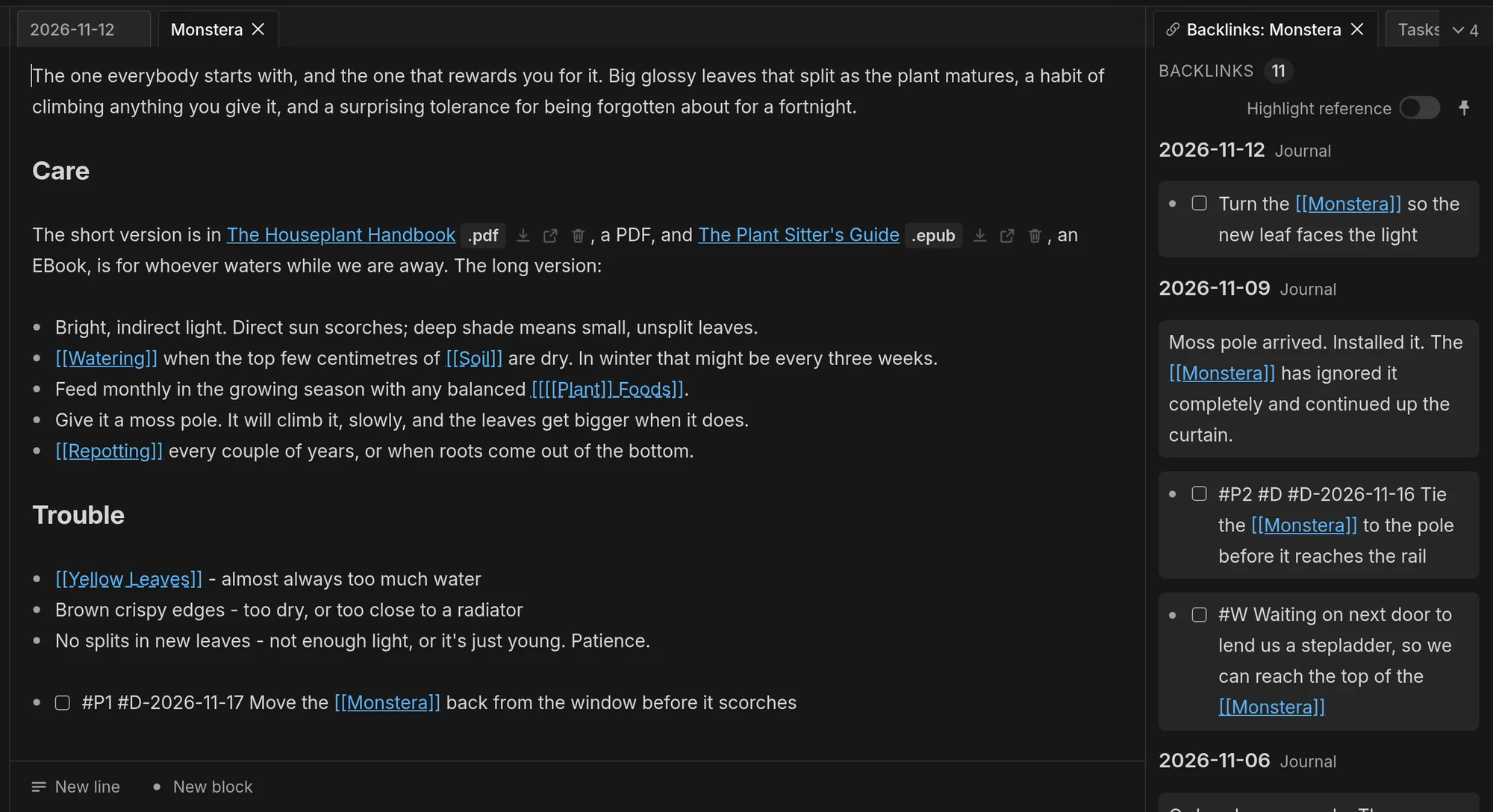
A link can also sit inside another. [[[[Plant]] Foods]] is the page Foods within Plant, which is how I group related pages.
Tasks, as a list and as a board
A task is a checkbox line in a note, - [ ] unticked and - [x] ticked, with tags after the checkbox for its priority and dates. The Tasks view lists the tasks from every note. I tick two off in the video, then filter the list down to P1, the highest priority.
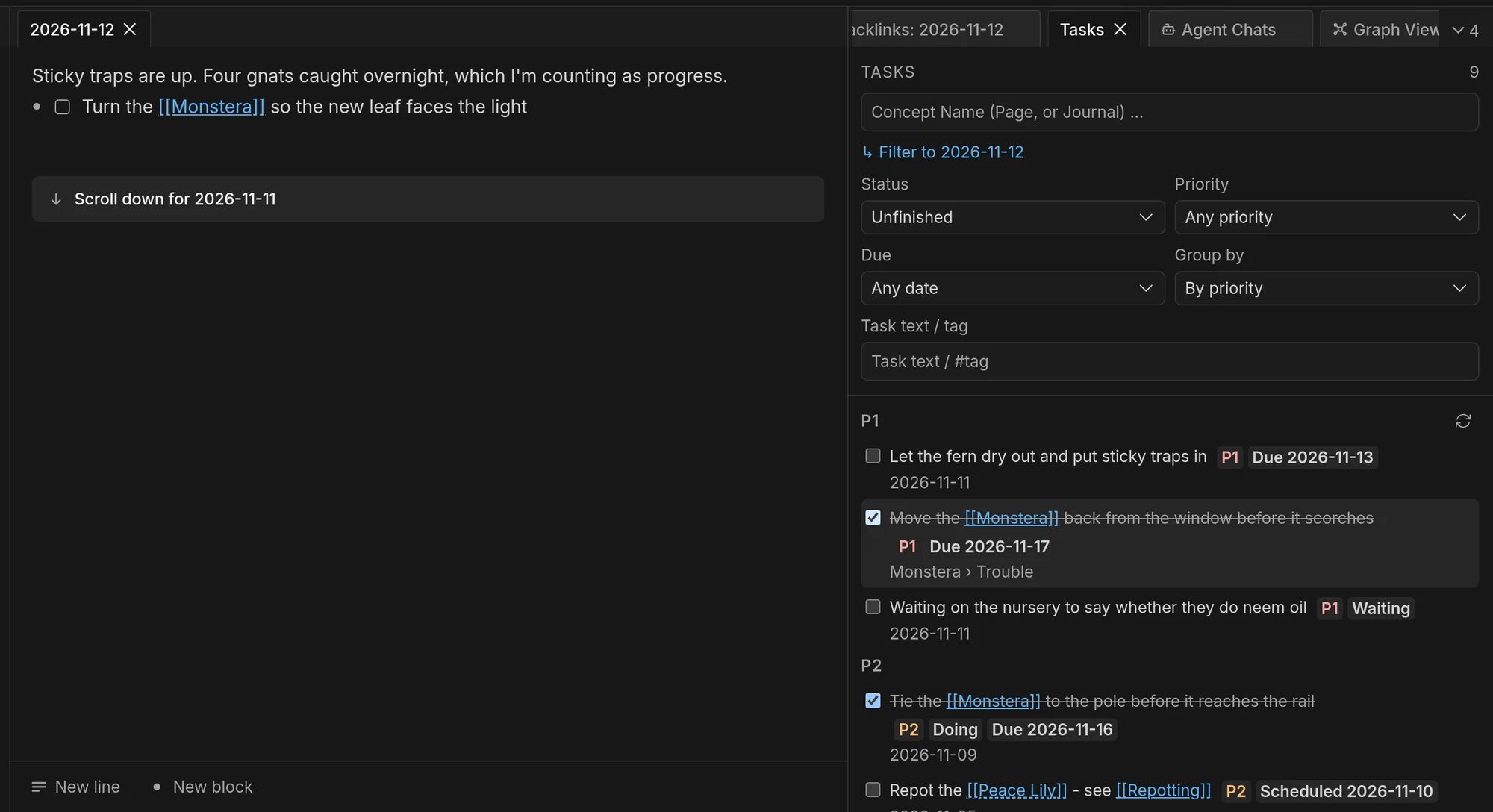
A Kanban board shows the same tasks as cards. It keeps no copy of them, so dragging a card edits the line in the note. I open the board for the whole graph and drag a card from Open to Doing. Its line in yesterday's journal entry gains #D, the tag for a task that's under way.
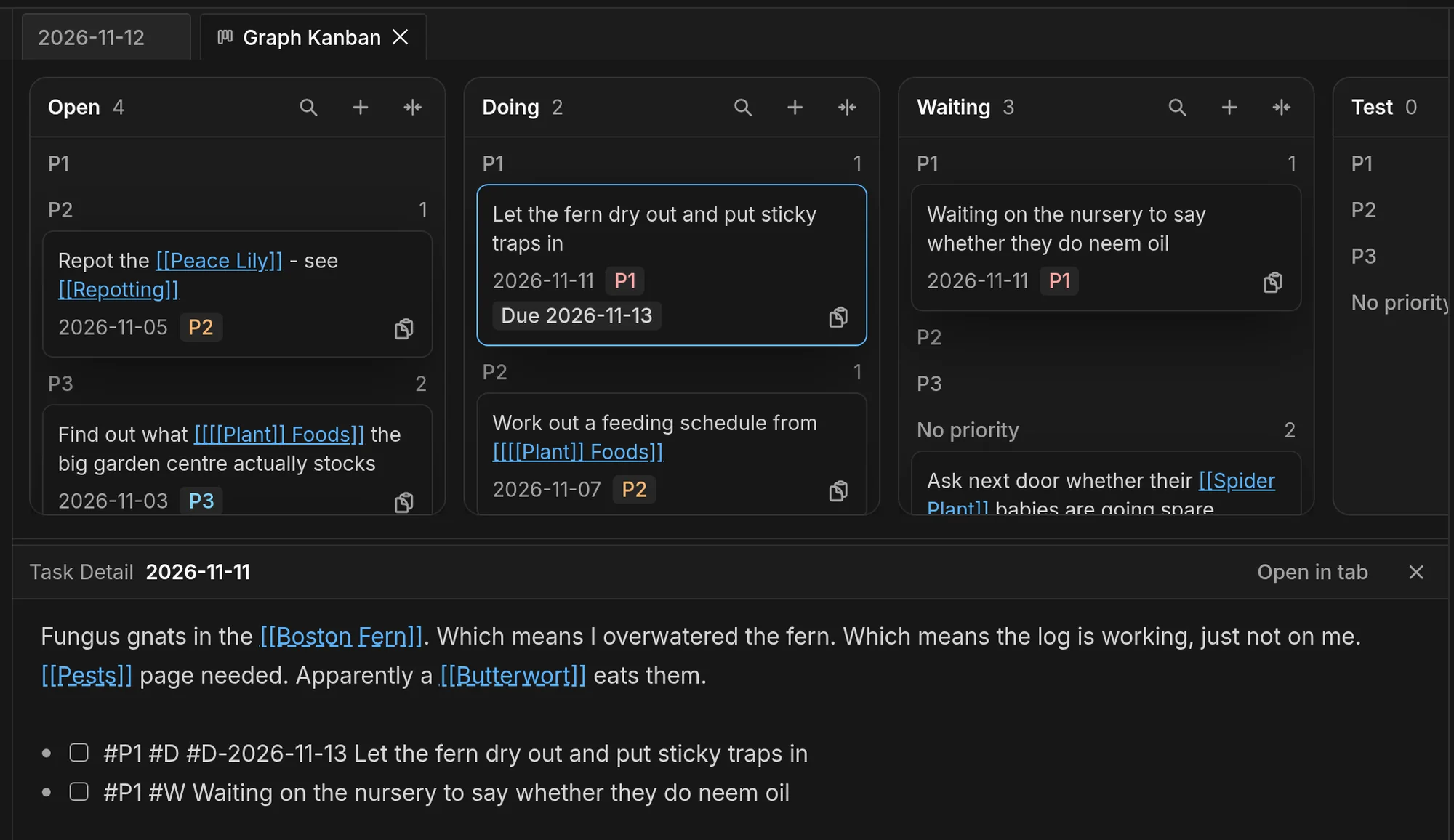
Any Concept Can Be A Kanban Board has more on boards, and Hand Your Markdown Tasks to Claude Code from a Kanban Board follows one task from a note to a coding agent and back.
Pictures, PDFs and EBooks
Type /upload in a note and drop a file into the dialog, and it's stored with the graph. A picture shows in the note where you put it.
A link to a PDF opens it in a tab next to your notes, and an EBook opens the same way. The video shows me selecting two sentences on a page of a PDF and choosing Highlight.
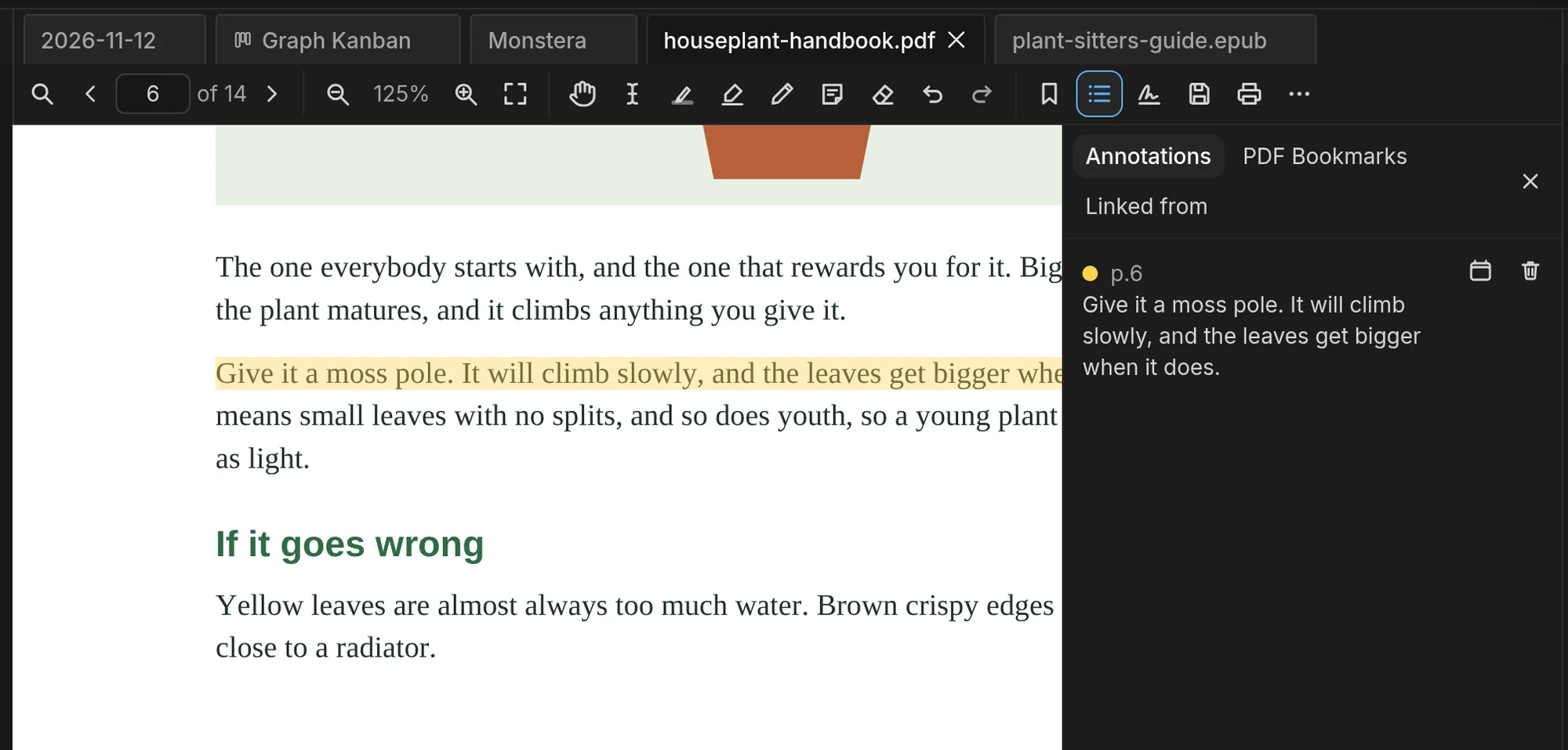
Then Copy to journal, in the PDF's annotations panel, puts the words into today's entry with a link back to that page.
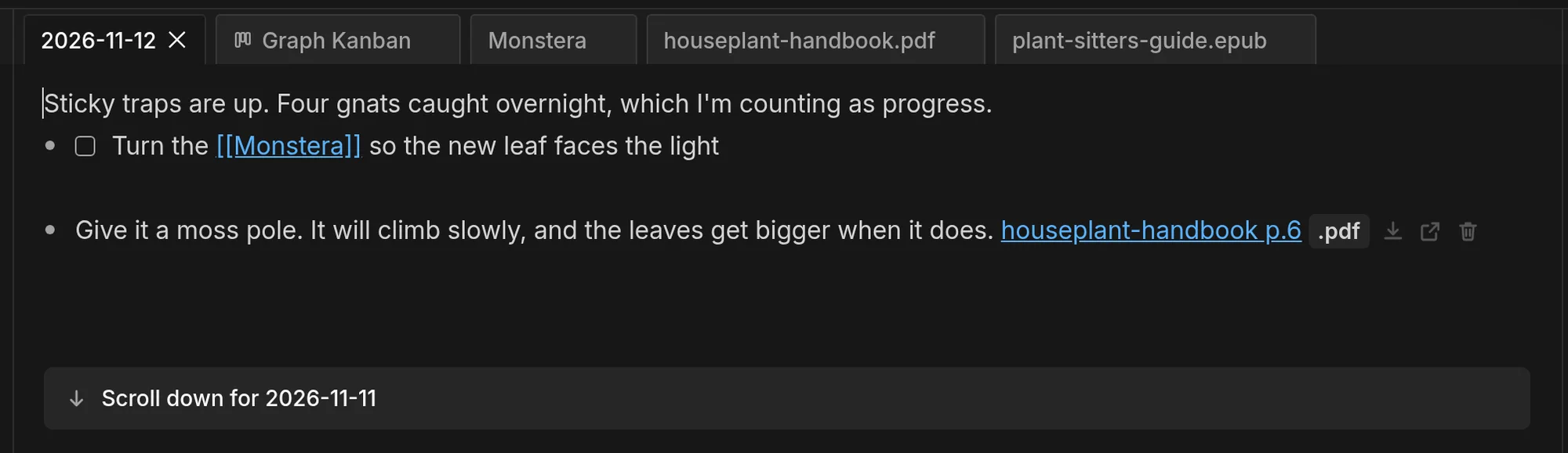
PDF Reading, Annotation and Signing Inside Your Markdown Notes covers the rest of the PDF reader.
Drawings and maps
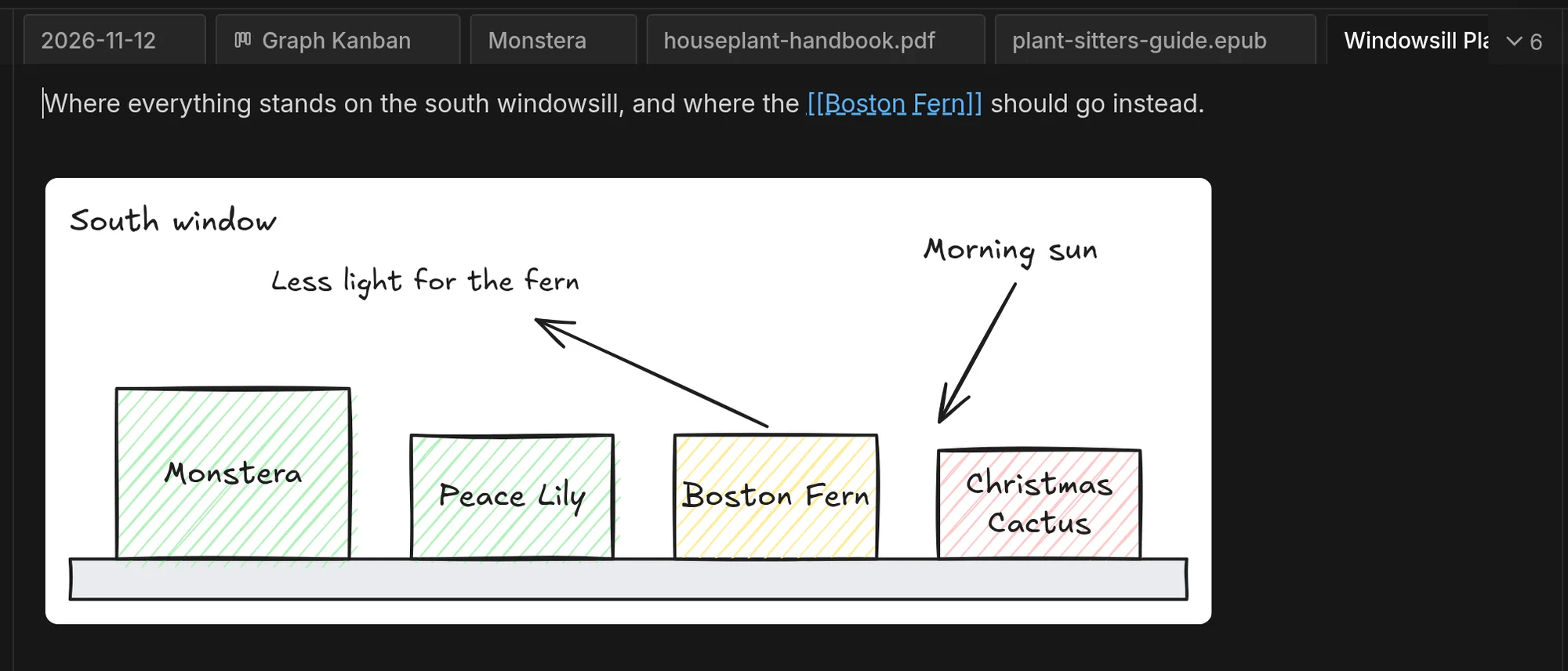
A note can hold a drawing, made with Excalidraw inside the app.
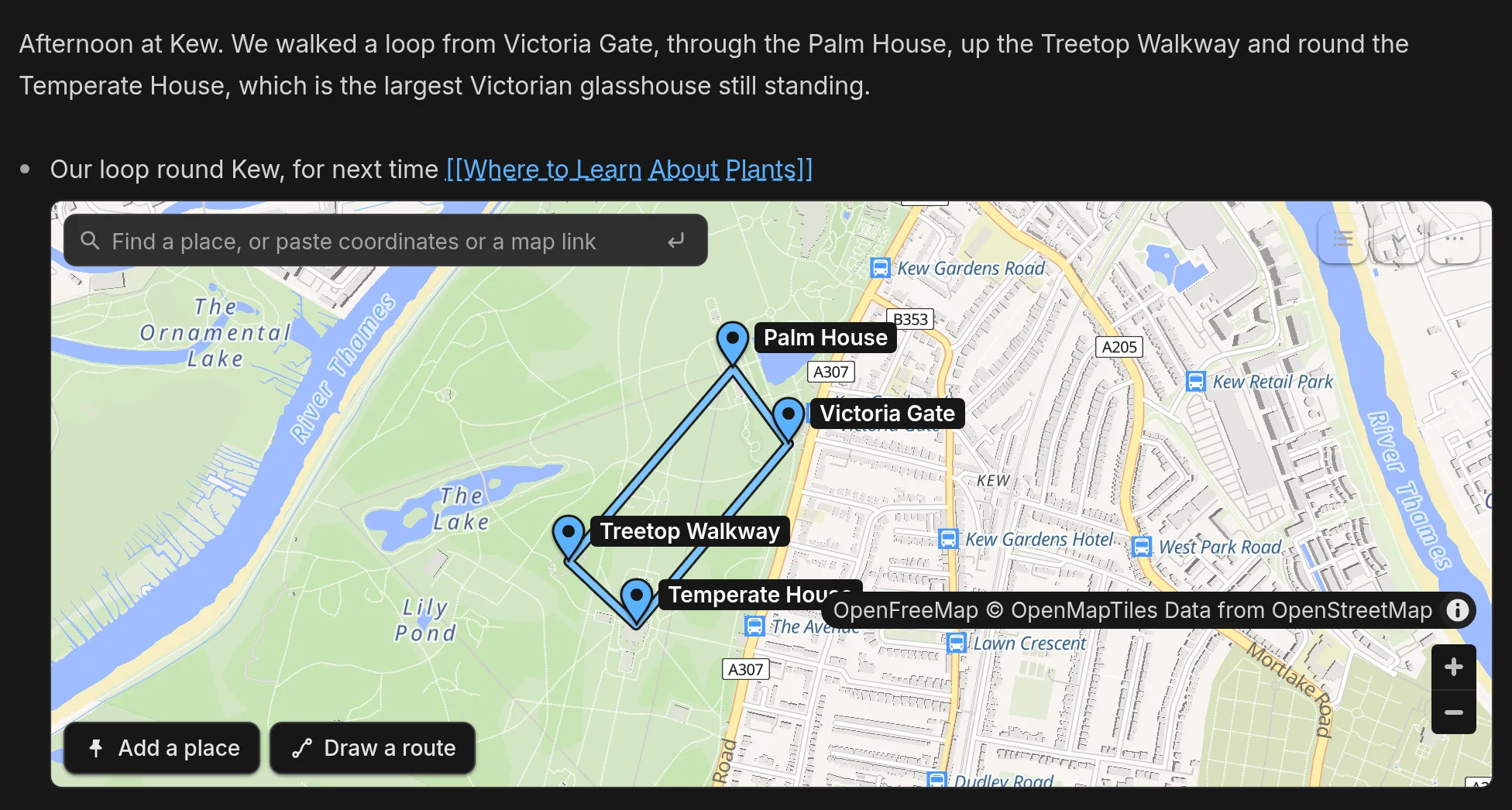
It can hold a map too. This one has four places at Kew Gardens and the route I walked between them, and each place or route is one line of text in the note. There's more in EtherPK Maps In Your Notes - Visualise the Places That Matter.
AI agents
If you use a coding agent, it can read and edit your notes. Claude Code, Codex and Cursor connect through the EtherPK MCP server (MCP is the protocol agents use to call tools), and they can search your notes by meaning as well as by word.
In the video I ask Claude Code "Which of my plants have I been drowning?" It searched the notes and named two, quoting the journal entries it took them from. Then I asked it to add a task to today's journal, and without a reload the task appeared in the entry I had open in EtherPK. That's one recorded session, so another run would word its answers differently.
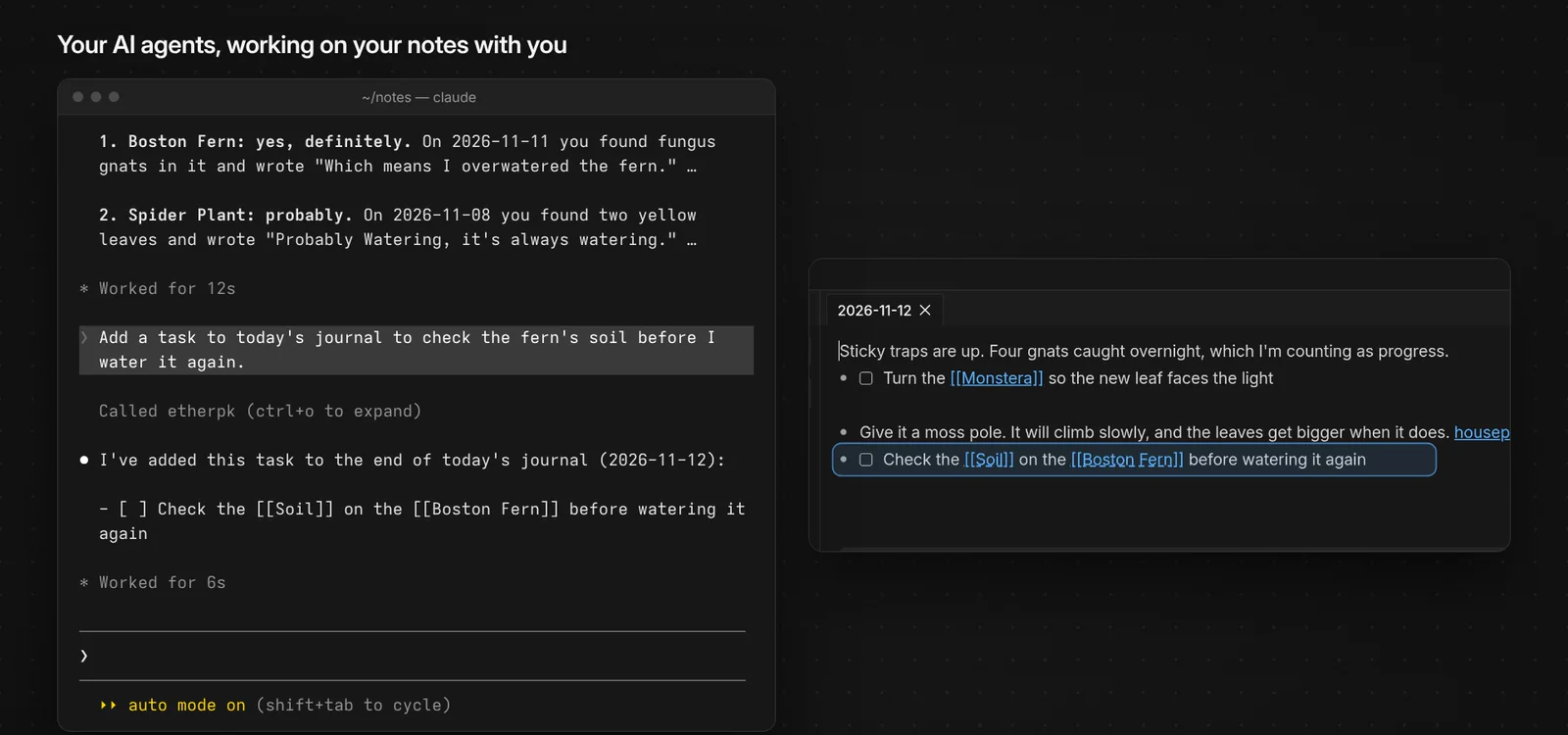
AI Agents in EtherPK - MCP Server and Agent Chat has the setup.
Where your notes are kept
There are two kinds of graph. A local graph is a folder of markdown files on your own device. It needs no account, and you can back the folder up or put it under version control like any other files. It does need a browser that can open a folder, which means Chrome or Edge on a computer, or Chrome on Android.
A synced graph is stored on the Sync Server, the service that keeps your devices in step, and needs an EtherPK account with Sync+. Your device encrypts your notes and files before it sends them, so the server can't read them. It opens on a phone as well as a computer, and offline on a device that has opened it before. You can also export a copy to your own disk.
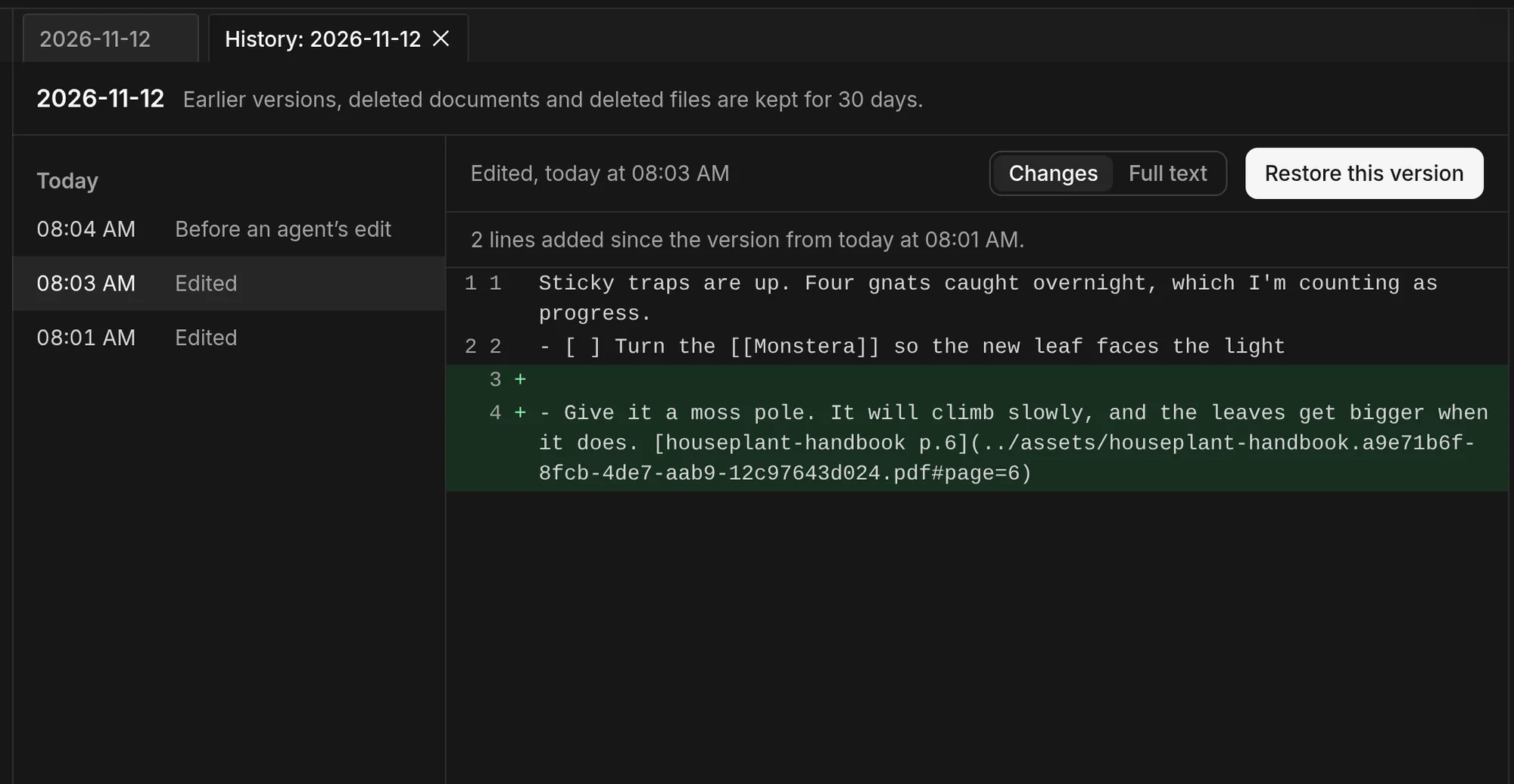
Synced graphs also keep earlier versions of each page for a set period. I open Version history from the journal entry's tab and pick a version to see the lines it added. Restore this version would put the page back as it was then. Version History For Your Synced Notes (Additional Safety for Working Alongside AI Agents) goes through it.
Publishing
Mark a note public and EtherPK can build a website from your public notes. It writes plain HTML, so the site can go on any static host, or EtherPK can commit it straight to a GitHub repository. The video ends with me making the Monstera page public and downloading the site as a zip, then choosing A GitHub repository as the place to publish to.
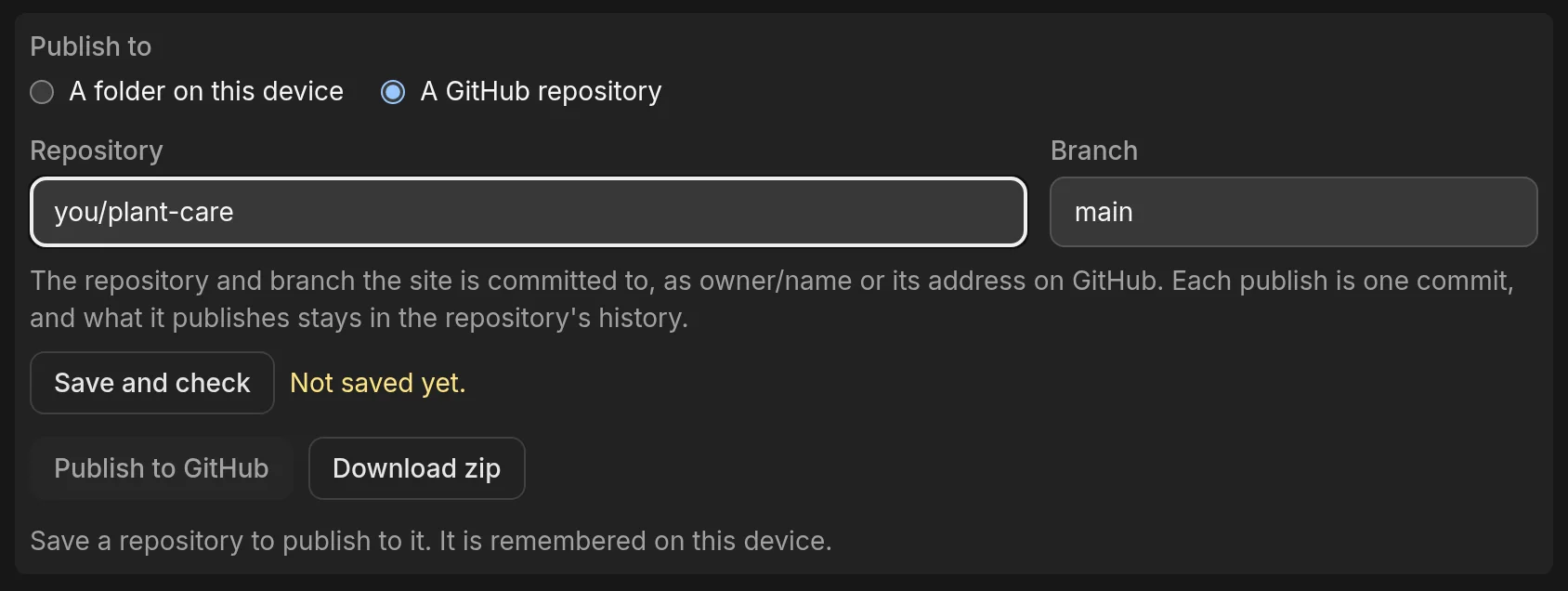
This blog is an EtherPK graph, published as plain HTML the same way. Publish Your Site Straight To GitHub has the steps for GitHub.
Try it
The demo graph is a set of sample notes that opens in your browser and needs no account. The docs cover everything above, and Introducing EtherPK is the longer written introduction from when I first announced it.